


diClock 3.3 brings city photos to the world clock
On This Page
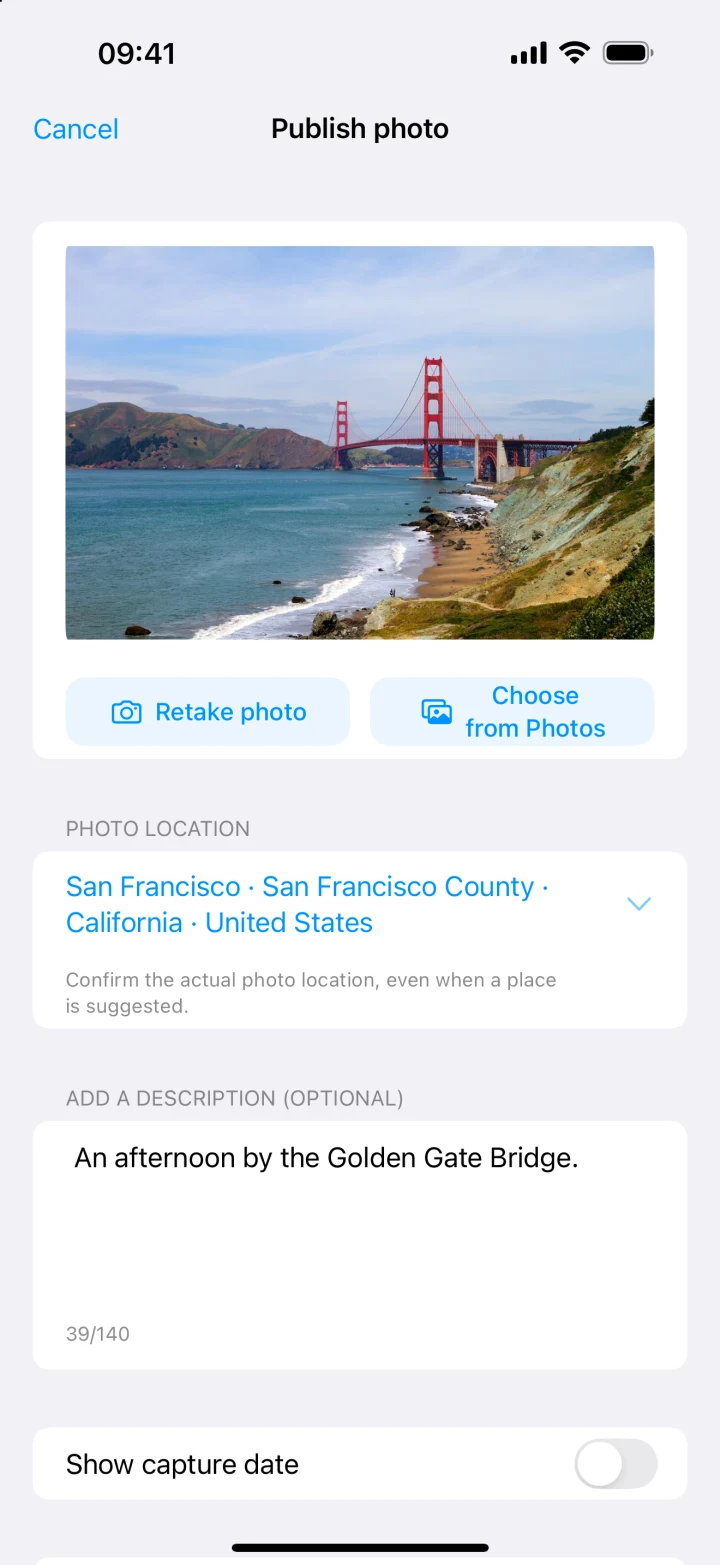
A clock can tell you it’s morning in San Francisco. A photo can tell you whether you could see the bridge through the fog. In diClock 3.3, you can open a city you follow and browse photos taken there. You can also leave a comment or add a view of your own.
Share a view from your city
Open the city’s details and take a photo or choose one from your library. You can contribute without creating an account. We review photos and comments before they appear publicly. The new My page shows what you’ve submitted, its review status, and the nickname that goes with it.
A quieter way to read the time
If you mostly open diClock to check a few places before calling someone, try the new Minimal layout. City names and times line up in a compact list, with a small skyline beside each one. Move the time slider to see what the same moment looks like in each place.
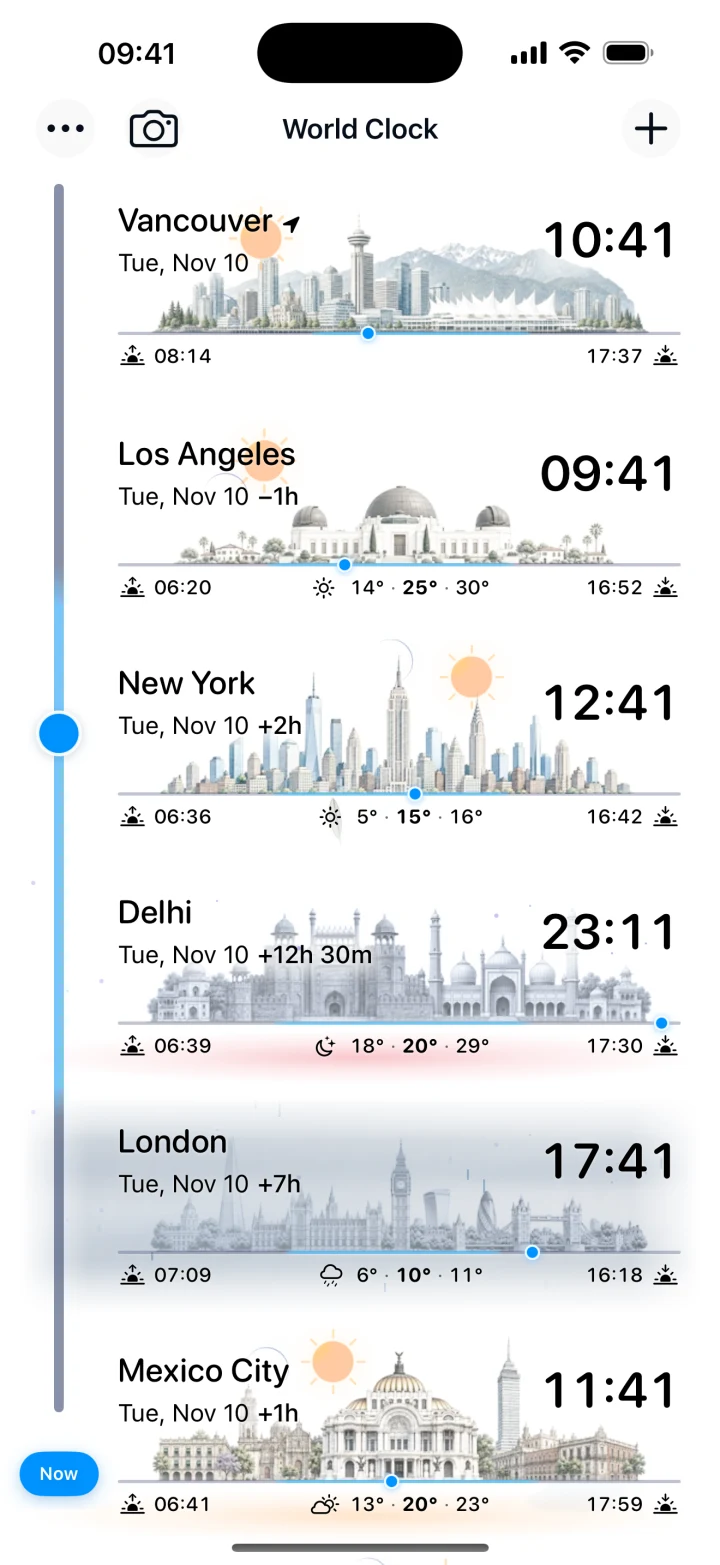
You can switch between Cards and Minimal, preview a different font and style, and use your choice on Home Screen widgets too.