
diCleaner
diCleaner brings clarity and control to your Mac. It helps you review and remove unnecessary files, check startup items, and keep your system organized and responsive. Explore your storage, find duplicates, review large or aging files, organize downloads, detect similar photos, and keep apps up to date — all in one thoughtfully designed utility that helps your Mac stay clean, efficient, and easy to manage.
Version 26.1 • March 7, 2026 • 13.2 MB • macOS 11.5+
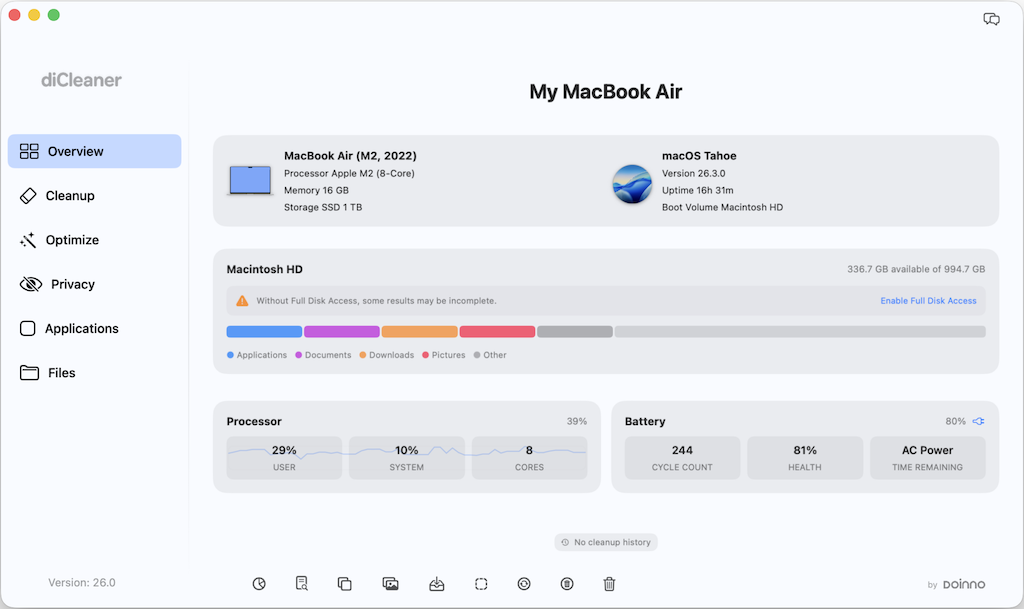
Overview
Overview offers a concise view of your Mac’s essential information — from hardware details and macOS version to live CPU activity, storage distribution, and battery or network traffic. Designed for clarity, it helps you understand how your system is performing in the moment.
Storage & Files
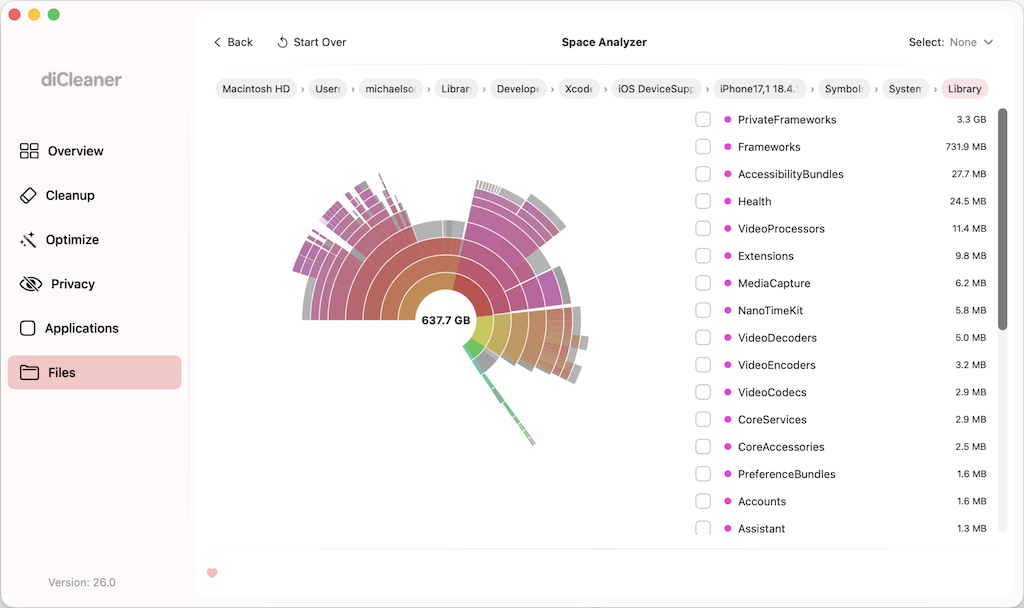
From visualizing how your storage is used to uncovering large or aging files, diCleaner helps you understand what occupies space on your Mac. Identify duplicate files, review similar photos and screenshots, and keep your Downloads folder organized — all with tools designed to make reviewing and managing files simple, clear, and intentional.
Applications
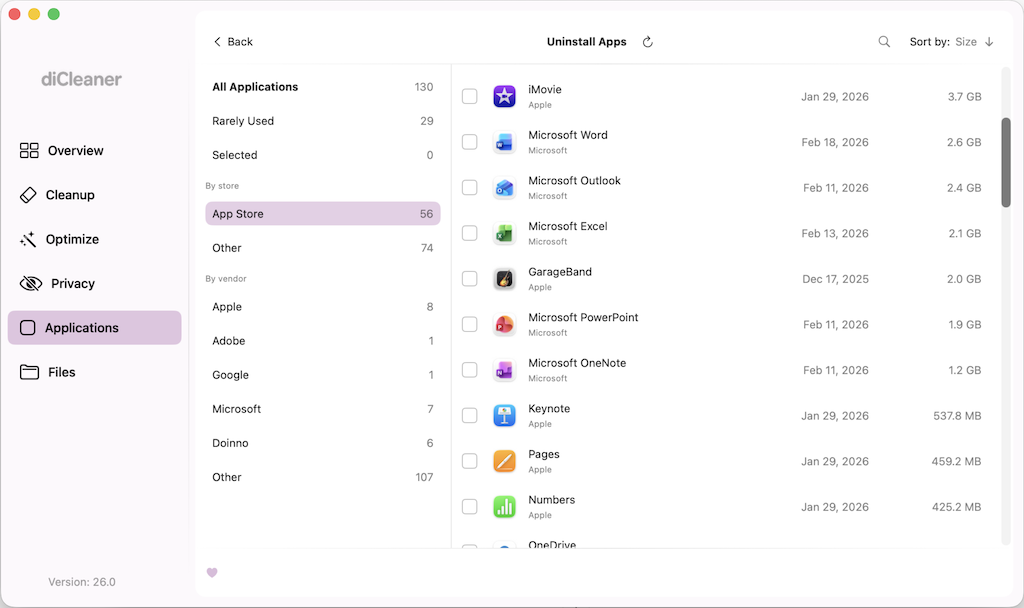
Uninstall apps thoroughly, review related leftovers, keep your software up to date, and locate installers stored on your Mac. Each tool is designed to provide clear visibility into how applications are installed, updated, and removed. Review associated files before deletion, avoid unnecessary duplicates, and maintain a streamlined, well-organized application library.
Privacy
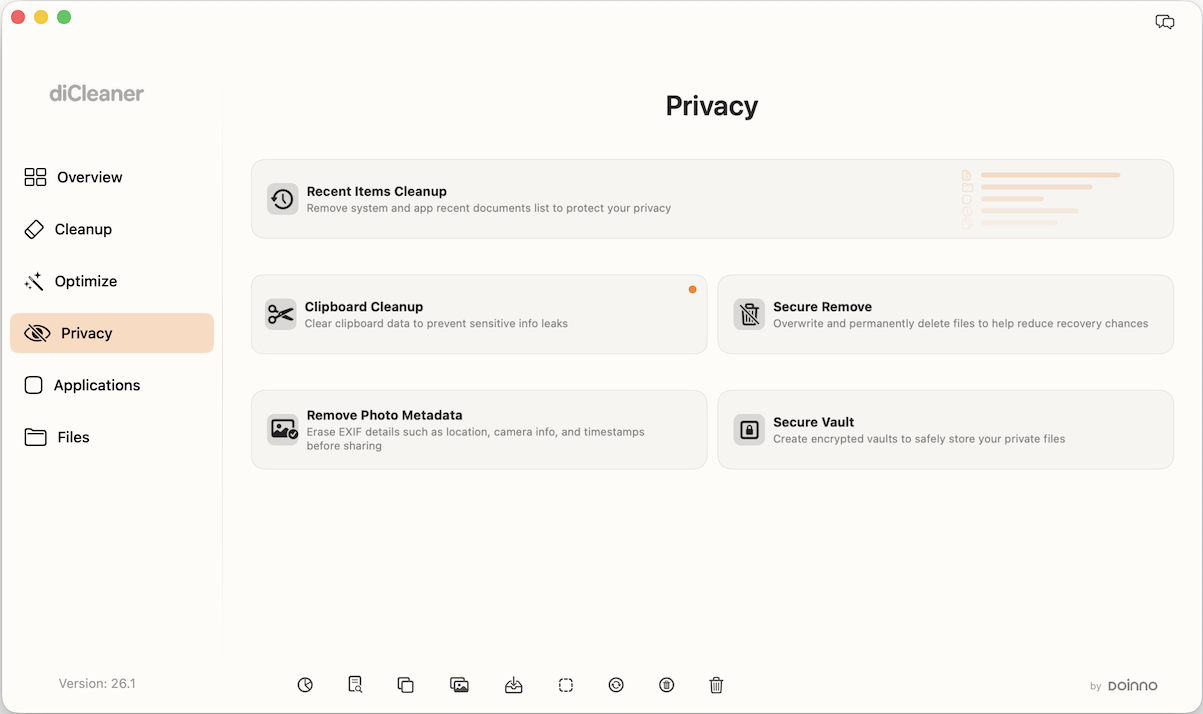
Manage your digital traces with intention. Review and clear recent activity, clean clipboard history, remove sensitive photo metadata, securely shred files, and store important documents in encrypted vaults. Each tool is designed to help you protect personal information and maintain greater control over your privacy.
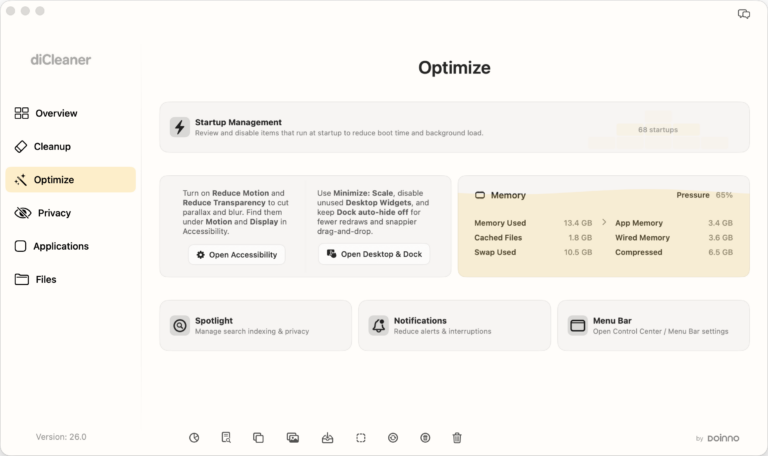
Optimize
Fine-tune how your Mac runs. Manage startup items, review memory usage, and close resource-intensive applications when needed. Access key system settings — such as Reduce Motion, Reduce Transparency, Spotlight, Notifications, and Menu Bar preferences — to adjust visual effects and background activity for a more responsive experience.
Cleanup
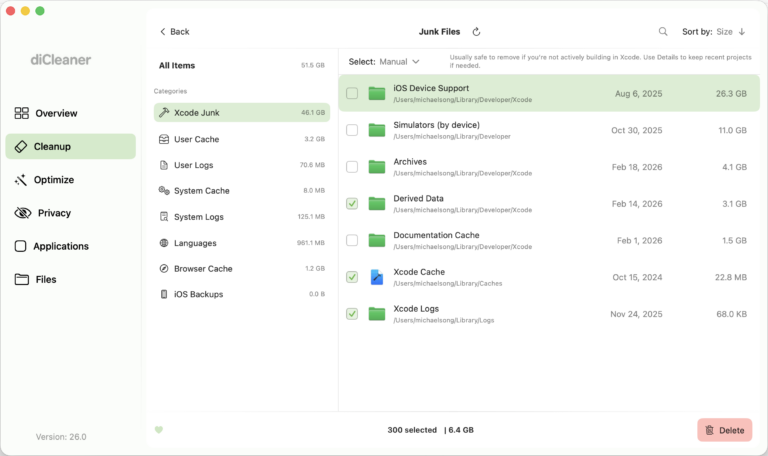
Review and remove unnecessary system data with confidence. Clean junk files, mail attachment caches, system update residues, and Trash contents, while identifying reclaimable purgeable space. Everything is presented clearly so you can decide what to remove and maintain a well-organized system.
MenuBar
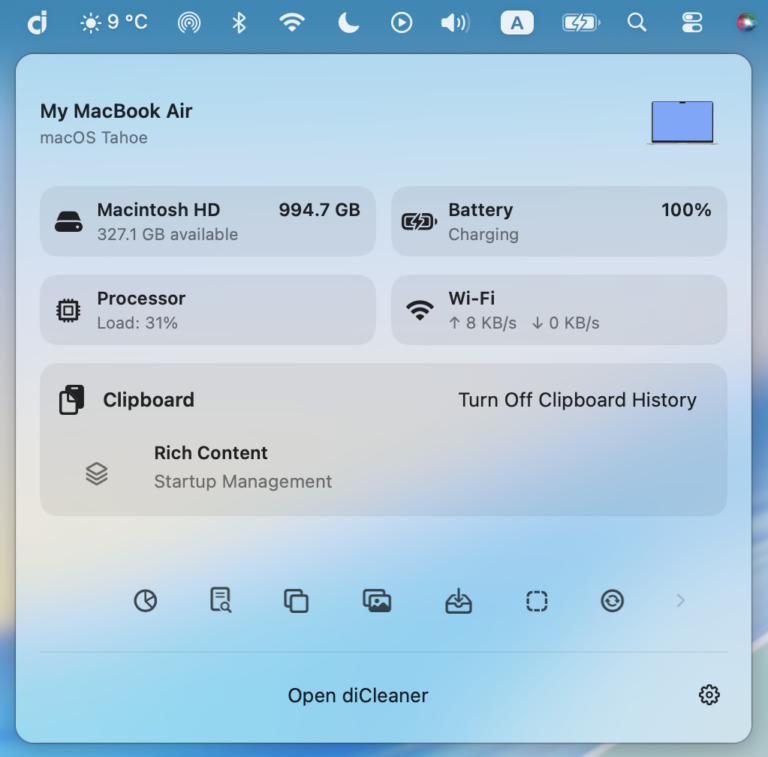
Access essential system information directly from your menu bar. Monitor storage usage, memory and CPU activity, and real-time network speeds at a glance, and quickly open any module with convenient shortcuts. An optional clipboard history feature lets you keep and revisit copied content when needed — all designed to stay lightweight and unobtrusive.